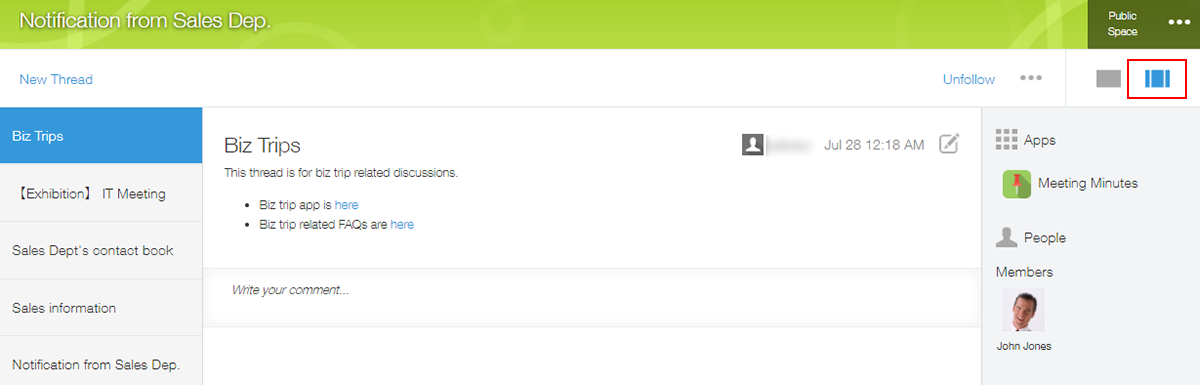
Is it possible to hide the menus displayed on both sides of a thread?
You cannot hide the following items displayed on both sides of a thread.
- "Apps", "People", and "Related apps & spaces" on the right side of the thread screen, and a thread list on the left
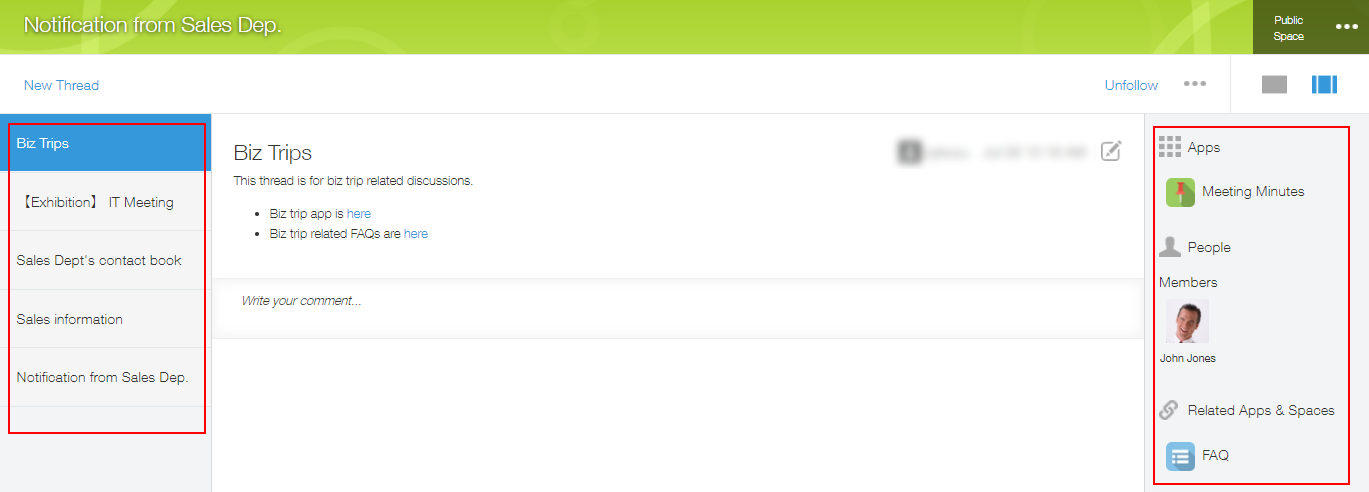
As an alternative, each user can perform the action to hide the side panes (the menus on both sides) in the thread screen.
The display setting of the side panes is saved in each user's Web browser and it will also be applied to other spaces in the same domain.
The following describes the steps for each user to hide the side panes.
- Open the target space.
If a portal screen is displayed, select any thread. - Click Hide side panes on the upper right side of the screen.

By following the above steps, the side panes will be hidden on each user’s screen.
If you want to display the side panes again, click Show side panes.