
Is it possible to set access permissions for views?
It is not possible to set permissions for views.
However, by setting permissions for records and fields, you can make it so records are not displayed on a view if a user does not have permission to view them.
Setting permissions for records/fields
-
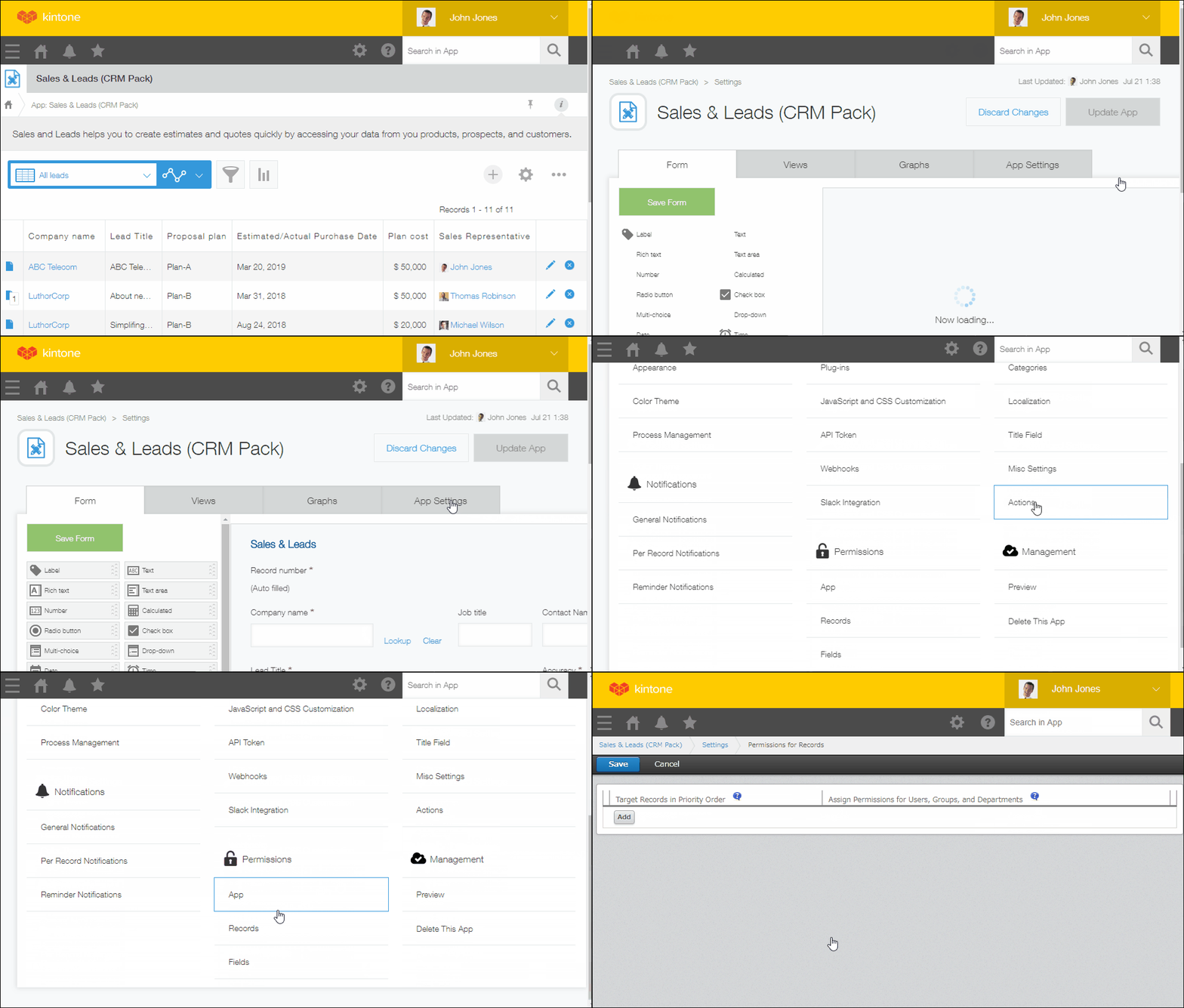
Open the App settings screen, select App settings tab, and then click Records or Fields under Permissions.
-
Click Add, set conditions and permissions, and then save the settings.