
Adding a widget to the home screen (Android)
You can add one of the features of the mobile app as a widget to your Android home screen.
Feature available as a widget
The following feature is available as a widget:
- Assigned to me
The number of records assigned to you is displayed as an "Assigned to me" list for each app.
When you tap an app in the widget, the kintone mobile app launches and displays the (Assigned to me) record list.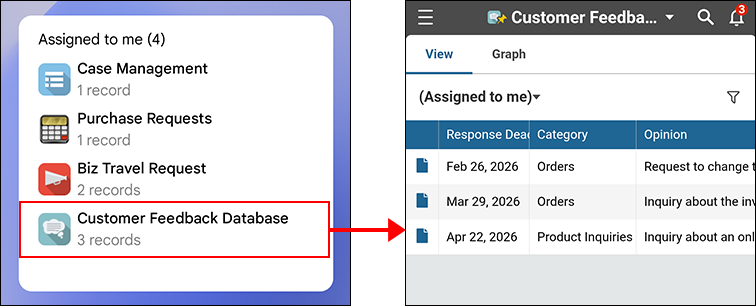
Steps
To add a widget to the home screen, follow the steps below.
-
Touch and hold an empty area on the home screen.
-
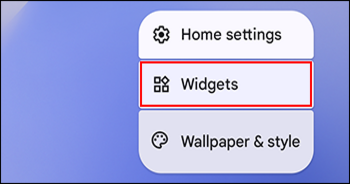
Tap "Widgets" on the menu.
-
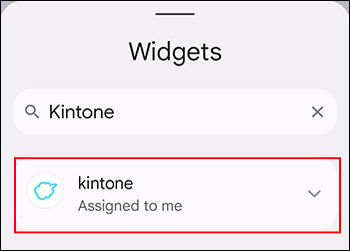
From the app list, find and tap "kintone".
-
Touch and hold the widget you want to add, and drag it to your preferred location on the home screen.