
Posting comments on your People page
You can share your thoughts by posting business ideas, daily reports, or casual topics to your People page.
Additionally, you can interact with other users through comments.
How to open your People page
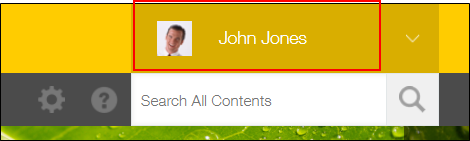
Click your user name that is located on the upper right side of the screen to open your People page.
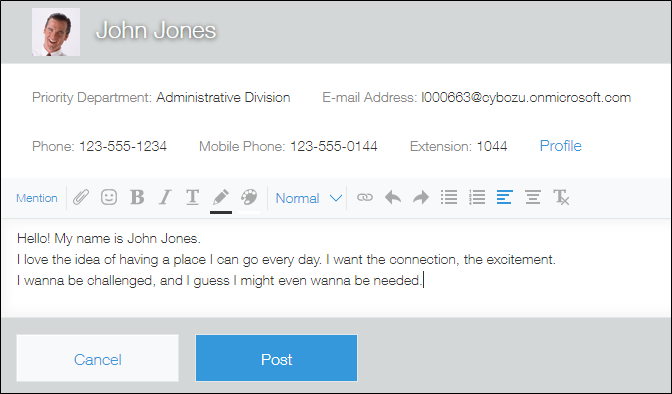
Click the comment field, write a comment, and then click Post.
Users who can view your People page
Anyone who accesses your People page can view your posts.