
What is the difference between the "Next week" and "Following week" conditions, which are used for filtering "Date" and "Date and time" fields?
When specifying condition for the Date field or the Date and Time field, displayed options might differ ("Next week" and "Next month", or, "Following week" and " Following month") depending on the setting screens.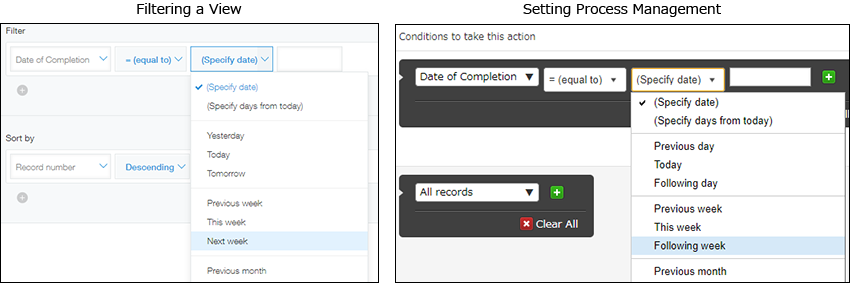
When the result of specifying condition is immediately reflected (for example, when filtering views), condition is specified based on the day of such action (i.e., "Today").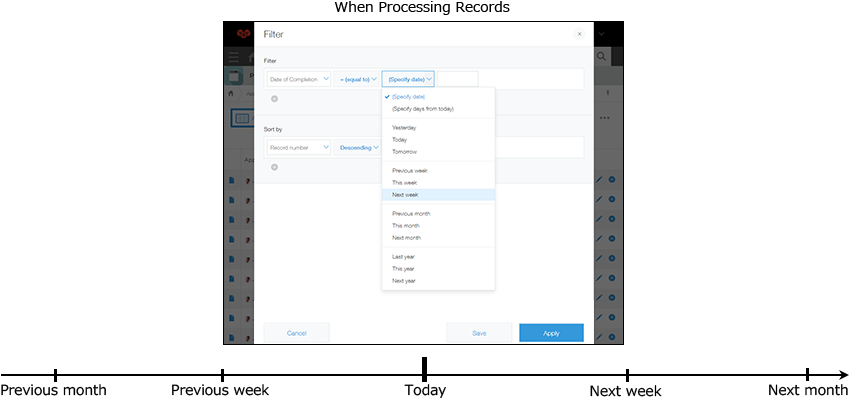
In this case, the option to select is "Next week".
When specifying condition before performing an action against a record (for example when managing a process), condition is specified based on the date when such action is actually performed against that record (i.e., "on That date").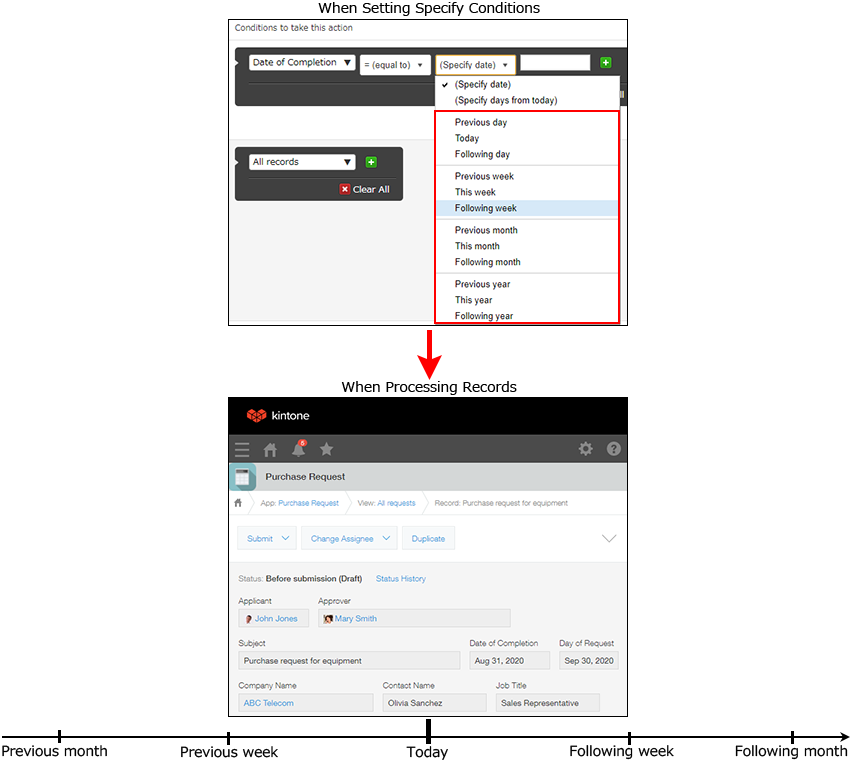
In this case, the option to select is "Following week".
As described above, displayed option differs when the result of specifying a condition is immediately reflected and when the condition is specified beforehand (there are some exceptions).