Adding job titles
This page describes how to add job titles.
Adding job titles one by one
-
Access cybozu.cn administration.
Accessing cybozu.cn administration -
Click Job titles.
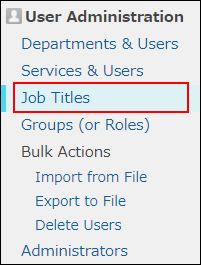
-
Click Add.
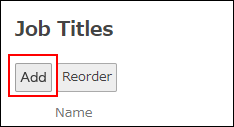
-
Enter the values such as job title and job title code.
Items of job title information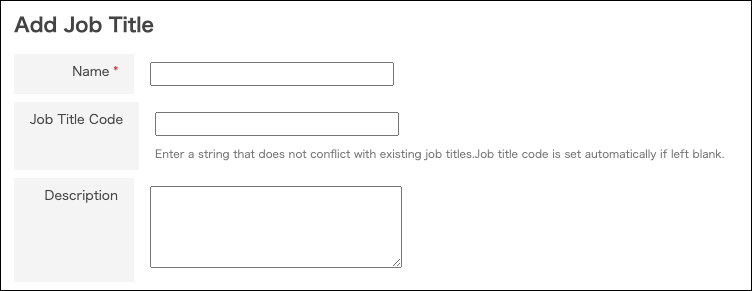
-
Click Save.
-
Configure a job title for the target user.
Proceed to the next page.
Assigning job titles to users
Adding multiple job titles at a time
You can add job titles using a file that contains job title information.
For details, refer to the following page:
Adding or changing users and departments using a file
Adding a job title with the same name
By specifying different job title codes, you can add multiple job titles with the same name.
To differentiate multiple job titles with the same name, use Description of the job title.