Downloading template files
Templates for the CSV file are available for adding user or department data in bulk.
Templates that can be downloaded
- Users
- User available services
- Departments
- Departments to which users belong
- Job titles
- Groups (or roles)
- Static groups (or roles) to which users belong
Steps
-
Access cybozu.cn administration.
Accessing cybozu.cn administration -
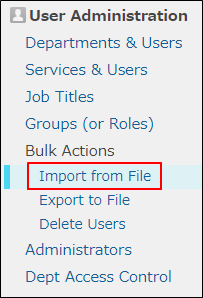
Click Import from file.
-
In Contents to import, select a template file to download.

-
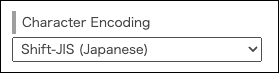
Select a character encoding.
-
Select Comma as the delimiter.
-
Click Download CSV template file.
You can download a template file in CSV format.