Changing the "Force password change" setting
What is "Force password change"
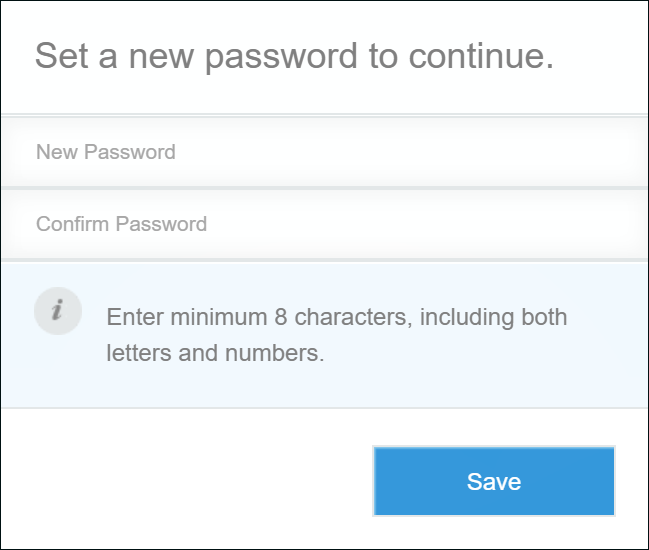
Force password change is a feature that requires users to change their passwords when logging in to cybozu.cn.
By forcing users to change their passwords from the ones set by administrators to passwords known only to them, users can use cybozu.cn more securely.
When this feature is enabled, you can require the following users to change their passwords, regardless of the password expiration period setting.
- Users who have been newly added to cybozu.cn
- Users whose passwords have been changed by cybozu.cn administrators
Enabling "Force password change"
-
Access cybozu.cn administration.
Accessing cybozu.cn administration -
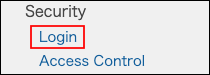
Click Login.
-
In the Password policy section, select Force users to change their passwords on their next login.

-
Click Save.
Disabling "Force password change"
-
Access cybozu.cn administration.
Accessing cybozu.cn administration -
Click Login.
-
In the Password policy section, clear the Force users to change their passwords on their next login checkbox.

-
Click Save.