Downloading audit logs
You can download audit logs as a CSV file in UTF-8 character encoding.
Downloading audit logs that are less than six weeks old
This section describes the steps to download audit logs that are less than six weeks old.
You can download a audit log file containing up to 100,000 entries.
To avoid exceeding 100,000 audit log entries, specify filter conditions before downloading a file.
-
Access cybozu.cn administration.
Accessing cybozu.cn administration -
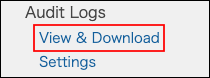
Click View & download.
-
Specify filter conditions such as date & time and level.
Filtering logs -
Click Download.
Downloading audit logs that are six weeks or older
This section describes the steps to download audit logs that are six weeks or older.
Audit logs are archived in zip files.
-
Access cybozu.cn administration.
Accessing cybozu.cn administration -
Click View & download.
-
Click Download logs 6 weeks and older.

-
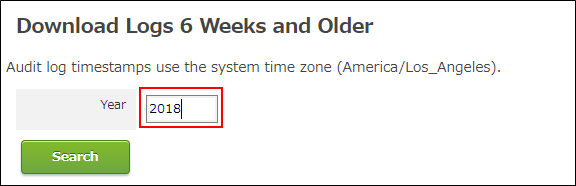
Specify a year for logs to download.
-
Click Search.
-
Click an archive displayed in Download to download it.
